


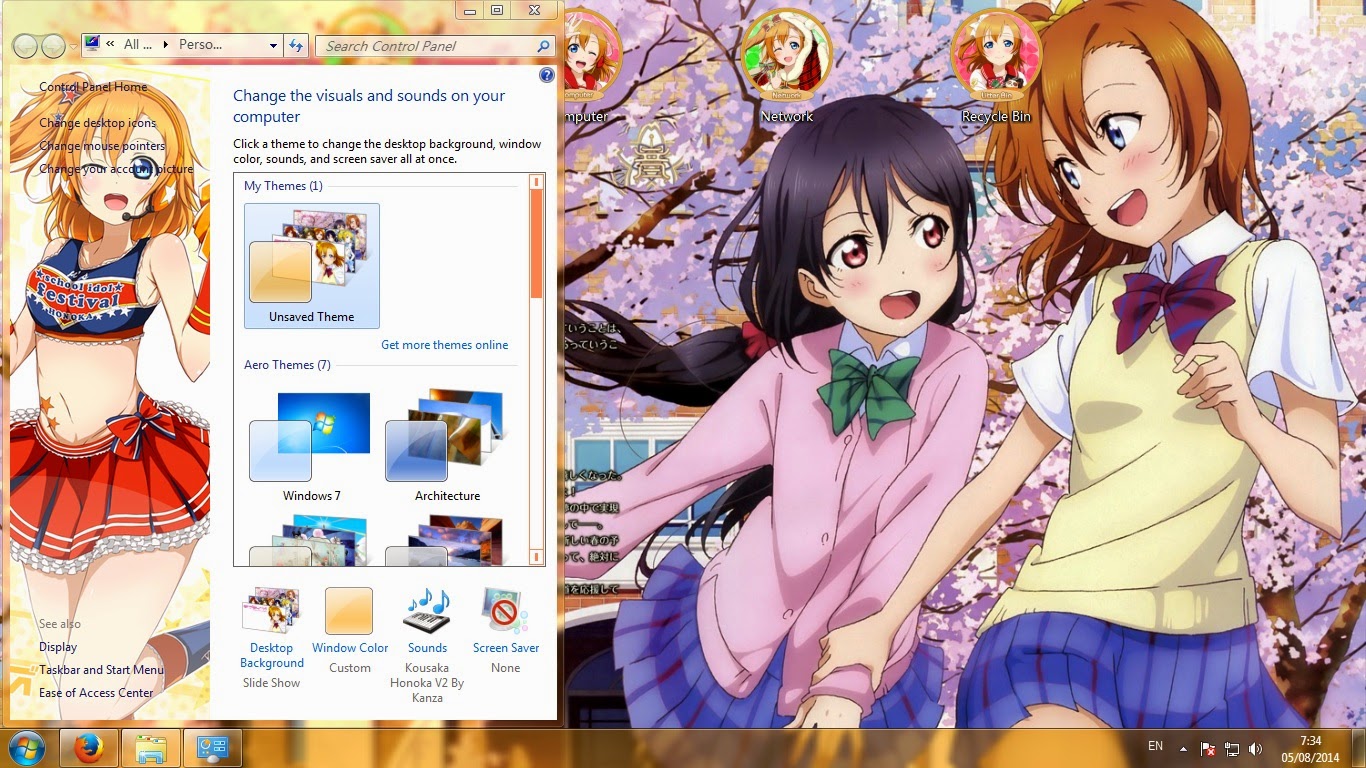
[Theme Win 7] Love Live! School Idol Project - Minami Kotori V2 By Kanza


ello This time I will share theme Love Live! School Idol Project
So This Download Link Enjoy, and skip our Ads
Download link : http://wicr.me/Kotoloplep
Password:http://themes-animes.blogspot.com/
HBD Kotori.. chan
So This Download Link Enjoy, and skip our Ads
Download link : http://wicr.me/Kotoloplep
Password:http://themes-animes.blogspot.com/
HBD Kotori.. chan
Tutorial : Patch
All Themes on Bolg may contain image of the following site: Google, Pinterest, e-shuushuu, Pixiv, Zerochan, Deviantart, Otaku-Renders, Official Page, etc. All copyright belongs to companies, organizations and individuals, and the like.
All Themes on Bolg may contain image of the following site: Google, Pinterest, e-shuushuu, Pixiv, Zerochan, Deviantart, Otaku-Renders, Official Page, etc. All copyright belongs to companies, organizations and individuals, and the like.


[Theme Win 7] Love Live! School Idol Project - Koizumi Hanayo By Kanza


Hello This time I will share theme Love Live! School Idol Project So This Download Link
Download
Password : http://themes-animes.blogspot.com/
Tutorial : Patch
All Themes on Bolg may contain image of the following site: Google, Pinterest, e-shuushuu, Pixiv, Zerochan, Deviantart, Otaku-Renders, Official Page, etc. All copyright belongs to companies, organizations and individuals, and the like.
All Themes on Bolg may contain image of the following site: Google, Pinterest, e-shuushuu, Pixiv, Zerochan, Deviantart, Otaku-Renders, Official Page, etc. All copyright belongs to companies, organizations and individuals, and the like.

[Theme Win 7] Noire Black Heart - Hyperdimension Neptunia By Kanza


Tutorial : Patch
All Themes on Bolg may contain image of the following site: Google, Pinterest, e-shuushuu, Pixiv, Zerochan, Deviantart, Otaku-Renders, Official Page, etc. All copyright belongs to companies, organizations and individuals, and the like.
All Themes on Bolg may contain image of the following site: Google, Pinterest, e-shuushuu, Pixiv, Zerochan, Deviantart, Otaku-Renders, Official Page, etc. All copyright belongs to companies, organizations and individuals, and the like.


[Tutorial] Personalize Background on Windows 7

It is recommended that you create a restore point before installing new
software or making any major changes to your computer. See How to create a System Restore Point in Windows 7 and Windows 8
1. Right-Click Windows Theme Installer V1.1 and select run as Administrator.

2. checklist at Shell32.dll and click Browse and search folder Shell32.dll

3. Choose Shell32.dll which suitable with your Bit Windows ( 32bit or 64bit). Click Open.

4. Then click Install Theme and restart your computer.

PATCH YOUR COMPUTER FOR ONCE.
IF YOUR COMPUTER HAVE BEEN PATCHED BEFORE, YOU SHOULD NOT PATCH THE SYSTEM AGAIN. YOU CAN CHANGE THEME WHENEVER YOU WISH.
Source:http://nikennosekai.blogspot.com/2014/04/tutorial-personalize-background.html



Tutorial modifikasi .msstyles - Theme Windows 7

Tutorial Bahasa Indonesia .doc + .Psd(start menu 635 x 498, 5 folder background)
file themes yg dimodifikasi
Aplikasi yg diperlukan
1. Restorator
2. Adobe Photoshop CS
3. Photoscape
4. VSB Vista Style Builder
5. Icon FX
6. TVC (total video converter) - linkkena DCMA cri sendiri di IDWS
7. Wav Editor
8. Microsft Word
*Update
Video edit .msstyles dengan VSB : http://www.youtube.com/watch?v=7U4LjSm2ixs
*add tutor VSB by renziye
complete guide theme building

Subscribe to:
Posts (Atom)